Dating online with an STI does not mean you have to choose between being authentic and protecting your health information.
Your diagnosis is private medical information, not a secret you owe to strangers, coworkers, relatives, or every person who happens to find your profile. At the same time, a dating profile can connect many small pieces of information—your face, workplace, username, neighborhood, social accounts, and phone number—until someone can identify you without ever being told your real name.
That is why STI dating privacy is less about becoming anonymous and more about controlling linkability.
The goal is not to disappear from the internet. It is to make it harder for an unrelated person to connect your dating profile to your offline identity before you are ready.
A practical privacy system has four layers:
1. Isolate the account.
2. De-identify the photos.
3. Use the platform's visibility controls.
4. Control what happens when you move off-app.
And because privacy controls can never guarantee that someone will not take a screenshot or recognize you, you also need a response plan for harassment, outing threats, or blackmail.
Step 1: Digital Isolation — Decoupling Your Dating Life from Your Real Identity
Your first privacy layer should exist before you upload a photo.
A profile becomes much easier to identify when the same email address, phone number, username, profile image, and social accounts appear across multiple parts of your life.
Think of your dating identity as a separate compartment.
It does not need to be fake. It simply should not be unnecessarily connected to everything else you own online.
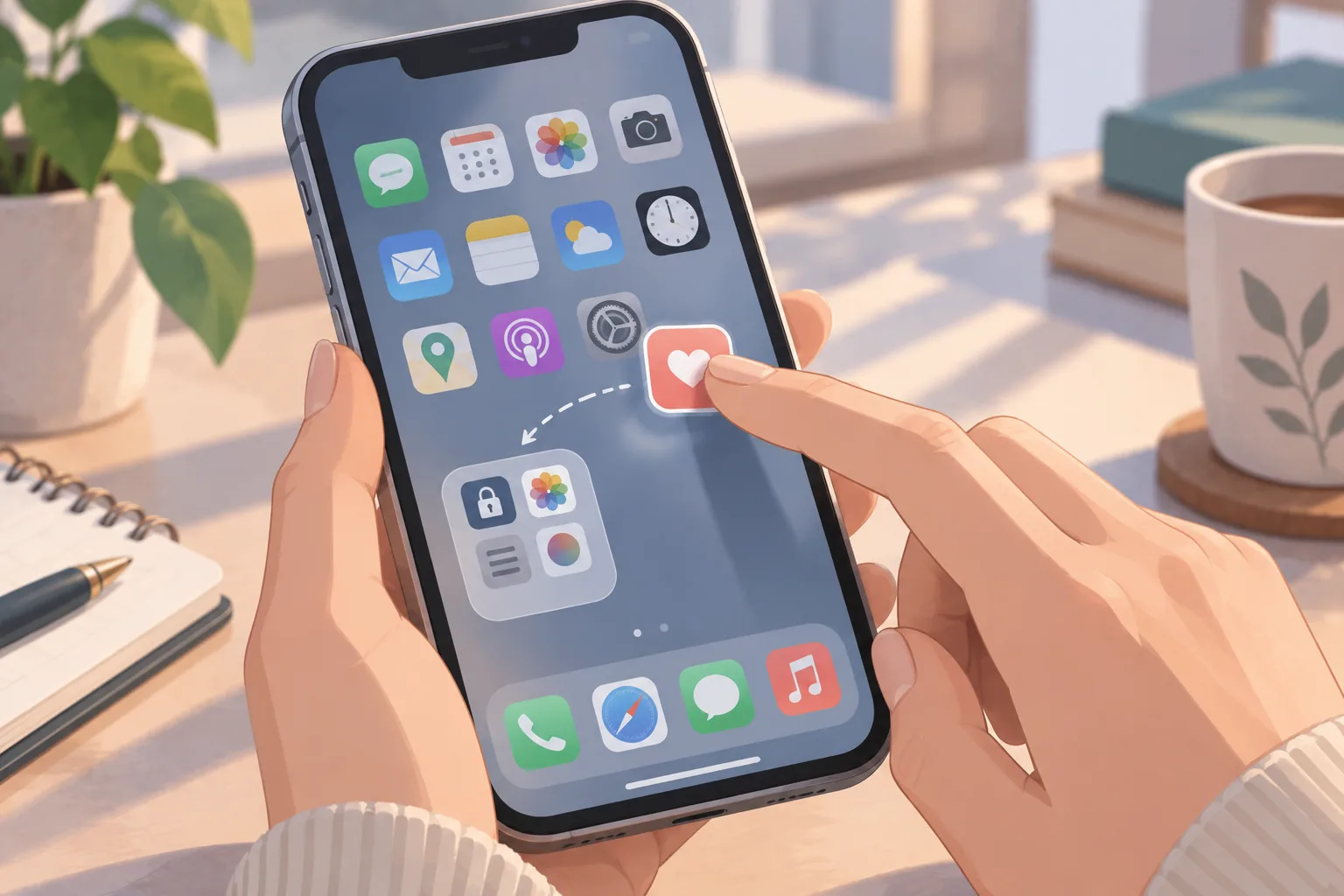
Block Contact Syncing to Prevent "People You May Know" Exposure
Do not assume that every dating app automatically hides your profile from people in your address book.
Instead, check whether the specific platform offers contact blocking, contact syncing, or "people you know" controls, and use them deliberately.
For example, Tinder's current Block Contacts feature lets you select people you want to avoid seeing each other on Tinder. Tinder says the feature can use your device contacts, but it also provides manual entry if you do not want to grant contact-list access. It also warns that the block may fail when the contact information used by the other person does not match the information they used to register.
Hinge has a similar Block List feature. Hinge allows you either to sync contacts or manually enter a person's phone number or email address, and says it will try to prevent the two accounts from seeing each other when the information matches.
This leads to an important distinction:
Contact blocking is an avoidance tool, not a guarantee that everyone you know will be unable to find you.
The safest workflow is:
Step 1: Before creating your profile, make a list of people you especially do not want to encounter.
Step 2: Check whether the app supports blocking people you know.
Step 3: Prefer manual entry when you only need to block a small number of people and do not want to give the app broad address-book access.
Step 4: Review the platform's privacy permissions on your phone after setup.
Do not grant contact access simply because an app asks for it.
Permission requests should serve a purpose you understand.
Use Dedicated Emails and Secondary Numbers
A dedicated dating email creates a useful separation between your dating identity and your everyday identity.
For example, instead of using the email address attached to your professional accounts, create a separate mailbox used only for dating.
The same principle can apply to phone numbers.
A secondary number can create compartmentalization between your dating conversations and your primary number. But it should not be described as an anonymity shield.
The question is not:
"Can nobody trace this number?"
The useful question is:
"Does this person need my primary number yet?"
For early conversations, separating those channels can reduce accidental identity exposure.
Avoid building a dating profile around:
- Your company email.
- Your workplace phone number.
- A username you have used publicly for years.
- Your full professional name.
- A social-media handle that immediately identifies you.
Also remember that a secondary number can become identifying later if you attach your real name, public profile photo, workplace, or social handles to it.
The compartment only works if you keep the compartments separate.
Unlink Social Accounts — But Understand the Difference Between Convenience and Privacy
"Continue with Facebook," Instagram, Google, or Apple can be convenient, but login convenience and identity separation are not the same thing.
The bigger privacy risk is often not the authentication method itself. It is what happens when you make your dating account visibly connected to your public social identity.
For example, a profile using:
Dating username: Alex_Music
Instagram: Alex_Music
LinkedIn: Alex Morgan — Marketing Director
Profile photo: same headshot
has effectively created one searchable identity.
A more privacy-conscious setup might use:
Dating name: Alex
Dating username: unrelated handle
Dating email: dedicated account
Dating photo: not reused from public professional profiles
Instagram/LinkedIn: not linked publicly
There is one exception worth understanding: some identity providers offer privacy-enhancing login options. For example, Apple's Hide My Email can create a relay email instead of exposing your personal address to the service. That can improve compartmentalization even though the underlying Apple account remains yours.
The principle is therefore not:
"Never use Apple or Google."
It is:
"Do not automatically connect your dating identity to your public identity."
Step 2: Visual De-Identification — Protecting Your Photos Against Reverse Searches
Photos are often the fastest route from a dating profile to a real-world identity.
Someone does not need your surname if the same photo appears on LinkedIn, Instagram, a company website, a sports-club page, or a public event gallery.
That is why reverse image search dating safety matters.
Your goal is not to make yourself unrecognizable.
Your goal is to reduce unnecessary cross-linking.
Why You Should Not Reuse Social Media or LinkedIn Photos
Suppose your dating profile uses the exact same professional headshot as your LinkedIn account.
Even without your surname, someone may be able to:
Find the image → identify your LinkedIn profile → discover your workplace → identify your full name → locate other public accounts.
Reverse-image tools such as Google Lens can help users search for visually similar images or related web content. Other services also specialize in face or image matching.
That does not mean every stranger will successfully identify you.
But using the exact same highly indexed image makes the connection much easier.
A better approach is to use a photo that is:
- Recent.
- Authentic.
- Not previously published on a highly searchable public profile.
- Not obviously tied to your workplace.
- Free of visible documents, name badges, addresses, or recognizable private locations.
You still want the person you're dating to know what you look like.
You are simply avoiding giving them a ready-made search key to your entire offline identity.
Background Anonymity and Feature-Cropping Techniques
A face is not the only identifying feature.
Look at everything around the face.
Before uploading a photo, inspect the background for:
- Company logos.
- Office buildings.
- School names.
- Street signs.
- House numbers.
- Distinctive apartment exteriors.
- Gym or club signage.
- License plates.
- Event badges.
- Transit stations.
- Local landmarks you visit regularly.
Also consider contextual clues.
A single image may reveal little.
Five images together can reveal:
where you work + where you exercise + which neighborhood you visit + what hobby you have + who your friends are.
That creates a much stronger identity fingerprint.
You can reduce that risk without turning your profile into a faceless mystery.
For example:
Lower-linkability profile photos
- A portrait against a neutral wall.
- A candid shot in a generic outdoor setting.
- A lifestyle photo without recognizable signage.
- A close-up where the surrounding environment contains little identifying information.
Higher-linkability photos
- Company event photos.
- Professional headshots used elsewhere online.
- Photos outside your home.
- Photos with visible work badges.
- Photos containing unique landmarks tied to your routine.
Be especially careful about photographs that reveal both your face and your daily geography.
Smart Use of Photo Blurs and Private Albums
A profile photo should normally provide enough information for another person to recognize you.
But you do not necessarily need to place every identifying image in the public portion of your profile.
A useful progression is:
Public: one or two genuine but low-linkability photos.
Early conversation: additional ordinary photos.
Established trust: more personal or identifiable images.
Private album: photographs that you do not want broadly visible.
The exact feature depends on the platform.
PositiveSingles, for example, currently offers a Private Album that lets members share selected photos only with people they choose. PositiveSingles says members can review who has access to the private album, while its privacy information also warns that no system can be completely secure.
That is the right way to think about private albums:
Access control, not absolute secrecy.
A private photo can still be screenshotted by someone who is allowed to see it.
So do not put information in a private album that you would be unable to cope with if it were copied.
Step 3: Platform Stealth Settings — Mainstream Apps vs. Niche STI Sites
Privacy features are useful only when you understand exactly what they do.
An "Incognito" setting usually means reduced profile visibility, not anonymity from the company, matches, screenshots, or the wider internet.
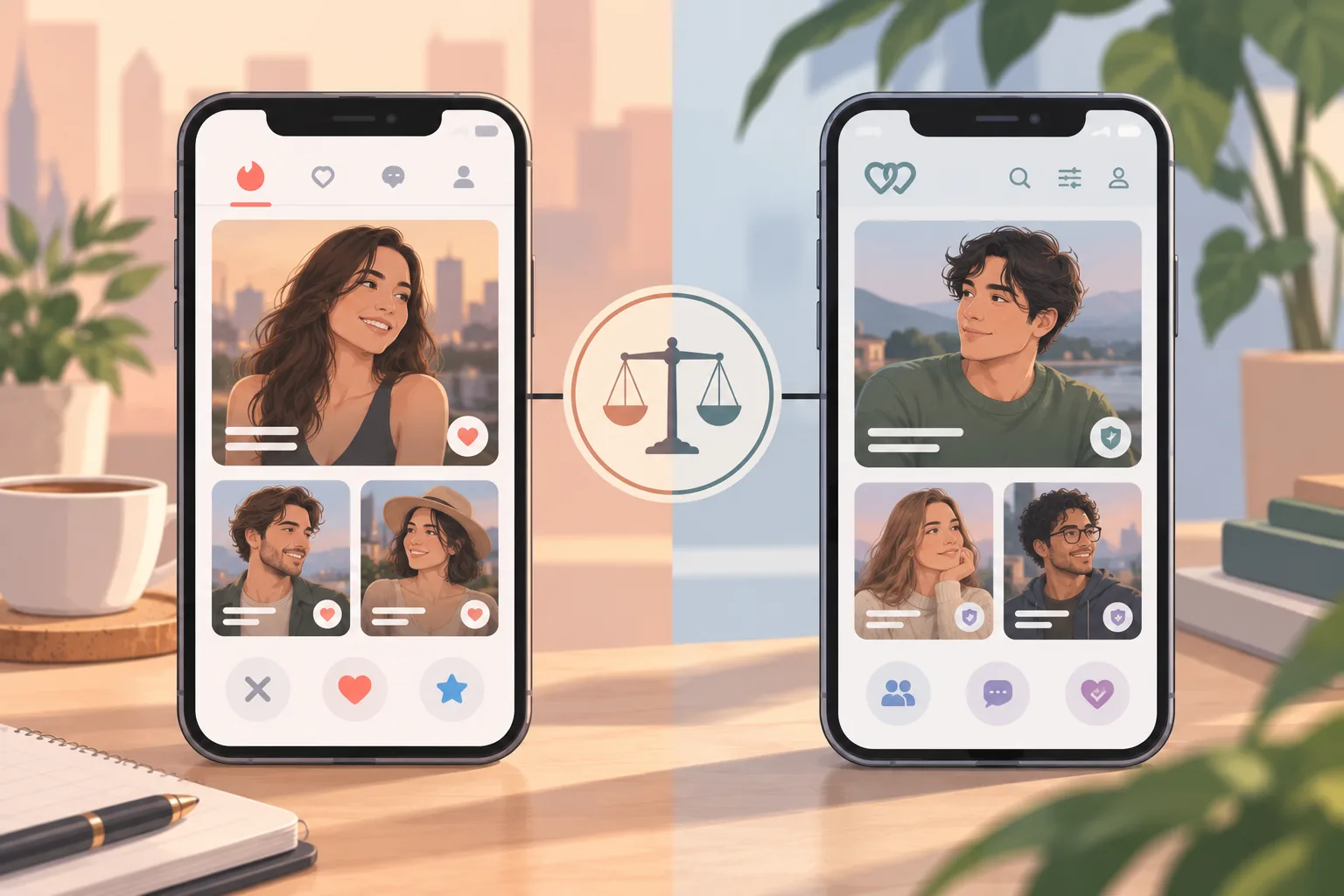
Mainstream Apps: Tinder, Bumble, and Hinge
Tinder: Go Incognito
Tinder currently describes Go Incognito as a feature that shows you only to people you have liked. Tinder's current app listing also describes Incognito as showing you only to people you like.
This makes it useful for someone who wants to continue browsing while reducing the number of people who can encounter their profile unexpectedly.
For someone concerned about being recognized by coworkers or acquaintances, the privacy logic is:
Normal discovery
→ your profile can enter the discovery pool.
Incognito
→ your profile is shown selectively to people you have actively liked.
That does not mean:
- Tinder cannot identify your account.
- A person you like cannot screenshot you.
- An existing match cannot see your profile.
- Tinder stops collecting account or activity information.
- You are invisible to everyone.
Think of it as selective discoverability.
Tinder also offers its Block Contacts feature, which can be used to reduce the chance of encountering specific people.
Bumble: Incognito Mode
Bumble's current Incognito Mode is part of Premium/Premium+ and shows your profile only to people you have liked. Bumble also states that Incognito hides your location while it is active.
The practical privacy setup is:
Profile → Settings → Incognito Mode → On
Then remember the critical trade-off:
You become harder to discover, but you are still visible to the people you choose to like.
That is exactly how an STI dating privacy tool should be used.
You are not trying to hide from everyone.
You are choosing who gets the first opportunity to see you.
Hinge: Pause and Block List
Hinge currently does not need to be treated as a Tinder-style Incognito clone.
Its official privacy tools include:
- Pause, which prevents your profile from being shown to new people while allowing you to keep chatting with existing matches.
- Block List, which allows you to block people you know using synced contacts or manual contact information.
- Controls for hiding selected profile information and activity indicators.
This makes Hinge useful in a slightly different privacy scenario.
For example:
You want to keep talking to current matches but temporarily stop being discovered by new people.
Use Pause.
You specifically want to avoid a coworker or ex.
Use Block List.
Do not assume that every mainstream dating platform offers the same privacy architecture.
Niche STI Platforms: PositiveSingles and Private Album Controls
STI-oriented platforms may offer different privacy tools because privacy is central to their audience.
PositiveSingles currently states that:
- Profiles are blocked from search engines and from people who are not logged in.
- Members can use privacy settings to hide their profile from particular members.
- Private Albums allow photos to be shared only with selected people.
- Members can review who has access to private photos.
- The company does not promise absolute security.
That makes the platform structure different from a general-purpose dating app.
A sensible setup is:
Public profile: low-linkability photos and limited identifying information.
Private album: more personal photos.
Album access: granted individually after enough interaction to justify it.
Profile settings: reviewed regularly rather than left at defaults.
Do not assume that an STI-focused platform eliminates privacy risk.
Its purpose may reduce one type of stigma, but the basic internet rule still applies:
Anyone who can see a photograph can potentially copy it.
Step 4: Moving Off-App Safely — The Messaging Transition Protocol
One of the most common privacy mistakes is building a carefully separated dating profile and then immediately abandoning all those protections after matching.
The app is compartmentalized.
Your Instagram is not.
Choosing Secondary Apps With Strong Privacy Controls
The best communication channel is not necessarily the one with the most features.
It is the one that exposes the least unnecessary identity information for your current level of trust.
Signal currently offers specific controls for phone-number visibility and phone-number discovery, as well as usernames that can be used to initiate conversations without sharing the phone number. Users can set "Who can find me by my number" to "Nobody" and connect by sharing an exact username instead.
That makes Signal particularly useful for identity compartmentalization.
However, it still requires a phone number for traditional registration unless you use Signal's newer phone-numberless registration flow on supported Android setups, and the people you actually connect with may still learn information you intentionally disclose through your profile.
The practical hierarchy is:
Dating App → privacy-aware messaging account → personal communication → real-world identity
Do not jump directly from:
Dating App → Instagram
when that Instagram account contains your full name, workplace, family, home city, and years of public history.
Likewise, a secondary number does not automatically become private just because it is a VoIP number.
Privacy comes from what the number is connected to and what you reveal after moving there.
Pacing Information Disclosure Before In-Person Meetings
Think of identity disclosure as a ladder.
You do not need to move from:
First match
directly to:
Full legal name + workplace + exact neighborhood + social network.
A more deliberate progression might be:
Stage 1 — Dating profile
First name or chosen display name, general interests, approximate area.
Stage 2 — Messaging
First name, broader life context, ordinary photos.
Stage 3 — Established trust
More personal stories, additional contact information, perhaps a secondary social account.
Stage 4 — Before meeting
Real identity information needed for a normal and safe interaction.
Stage 5 — Relationship
Greater openness when mutual trust has been established.
The objective is not deception.
It is proportional disclosure.
A person you have exchanged ten messages with does not automatically need access to your entire digital history.
Emergency Protocol: What to Do If Facing Blackmail or Screenshot Threats
Privacy planning matters most when someone ignores your boundaries.
Suppose a match says:
"I screenshot your profile. I know about your STI. Give me what I want or I'm sending this to your coworkers."
At that point, this is no longer a dating-app privacy question.
It is a safety and harassment problem.
Immediate In-App Reporting and Documenting Evidence
Before deleting the conversation, preserve the evidence.
Capture:
- The full threatening message.
- The person's username.
- Profile information.
- Date and time.
- The surrounding conversation.
- Any demand they made.
- Any threats to contact family, coworkers, or friends.
- Any additional accounts they create.
Then report the account using the platform's official safety process.
Bumble's current reporting guidance, for example, allows users to report directly from a profile and advises including screenshots and identifying details when possible. Bumble says reports are private and anonymous and can be tracked through its Help Hub.
Do not assume that reporting automatically guarantees an account will be removed or prevents further contact.
Your goal is to create a record and reduce the person's access to you.
If the person creates another account, preserve that evidence too.
If the threat involves physical danger, stalking, or a credible threat against you, do not treat it as merely an app-moderation issue. Contact local law enforcement or an appropriate victim-support service.
How to Handle Extortion Threats Without Giving In
The basic principle is:
Do not pay simply because someone promises that payment will make the threat disappear.
FBI guidance on sextortion warns that paying or complying does not reliably stop the abuse and can result in additional demands.
The same practical logic applies to STI disclosure blackmail.
Do not send:
- Money.
- Gift cards.
- Cryptocurrency.
- More intimate images.
- Passwords.
- Additional personal information.
- Sexual access simply to make the person stop.
Instead:
Preserve → Report → Block → Escalate when necessary.
If the threat involves intimate images or image-based sexual abuse, the Cyber Civil Rights Initiative provides a Safety Center and Image Abuse Helpline with resources covering removal, legal options, and crisis support.
If the threat is specifically about your STI status rather than intimate imagery, the same overall principle still applies: preserve evidence, use the platform's reporting system, and seek local legal or victim-support guidance when the behavior becomes threatening, coercive, or persistent.
Do not assume that every disclosure threat is automatically a crime in every jurisdiction.
The legal classification can depend on what was threatened, what was demanded, whether stalking or harassment occurred, and where you live.
Your immediate job is to document the conduct accurately.
Your STI Dating Privacy Checklist
Before creating or refreshing a dating profile, run this quick audit.
Account
- [ ] Dedicated dating email.
- [ ] Secondary number where appropriate.
- [ ] No unnecessary public social links.
- [ ] Review account recovery information.
- [ ] Strong unique password and multi-factor authentication where available.
Contacts
- [ ] Review contact permissions.
- [ ] Use Block Contacts / Block List features where appropriate.
- [ ] Manually block high-priority people when the platform allows it.
- [ ] Do not assume contact blocking is perfect.
Photos
- [ ] No reused LinkedIn headshot.
- [ ] No easily searchable Instagram profile image.
- [ ] No house number, workplace badge, or identifying signage.
- [ ] No unnecessary location clues.
- [ ] Keep the most identifiable photos behind access controls when the platform supports them.
Profile
- [ ] No exact workplace unless you are comfortable being found there.
- [ ] No precise neighborhood.
- [ ] No unique public username reused elsewhere.
- [ ] No unnecessary links to personal websites or social accounts.
Platform
- [ ] Review current Incognito / Pause / visibility settings.
- [ ] Review activity-status settings.
- [ ] Review block tools.
- [ ] Review private album permissions.
- [ ] Recheck settings after major app updates.
Messaging
- [ ] Do not immediately move to your primary Instagram.
- [ ] Consider a privacy-aware secondary messaging channel.
- [ ] Do not give your primary phone number just because someone asks.
- [ ] Increase personal disclosure gradually.
Emergency
- [ ] Know how to report the account.
- [ ] Know where screenshots and evidence will be stored.
- [ ] Do not pay blackmail demands.
- [ ] Know who you can contact if the behavior escalates.
Take Control of Your Narrative: Privacy Is Power, Not Secrecy
Discreet STI dating is not about pretending you have no health history.
It is about deciding when, how, and with whom your health information becomes part of a relationship.
You do not need to expose your diagnosis to the entire internet simply because you are looking for love.
You also do not need to construct an elaborate false identity.
The healthier middle ground is controlled authenticity.
Show enough of yourself to build a genuine connection.
Hold back information that is unnecessarily identifying.
Use privacy features to reduce random discoverability.
Move to other communication channels gradually.
Keep your most personal information behind a trust boundary.
And remember that no platform's Incognito mode, Private Album, secondary number, or privacy setting creates perfect anonymity. These tools reduce exposure; they do not eliminate screenshots, recognition, platform data collection, or deliberate misuse by another person.
That is why the real objective is not:
"Make myself impossible to find."
It is:
"Make my information available on my terms."
Your STI status is one part of your health history, not a public identity.
Your dating profile is one part of your digital life, not an open door to everything else.
And privacy is not evidence that you have something to hide.
It is evidence that you understand that intimacy should be earned—not automatically granted.